
Website redesigns
Website Redesign SEO Checklist: What to Keep Before You Rebuild
Planning a website redesign? Learn what to keep, how to handle redirects, and which checks protect your search visibility and customer inquiries.
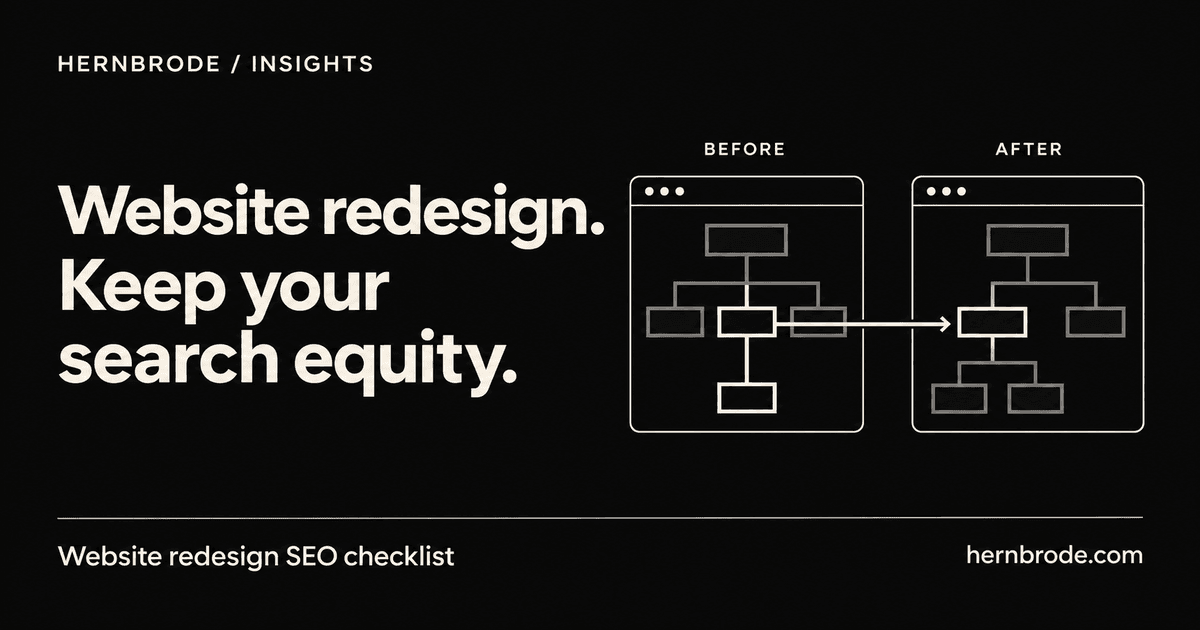
Before you approve a new homepage, open the pages on your current website that bring customers in.
Can you name them? Do you know which services people find through Google, where inquiries arrive, or which product links customers have saved?
Those are useful things to know before a rebuild starts.
A website redesign should solve specific problems: confusing information, awkward mobile layouts, difficult updates, or a buying process that gets in the way. It should also account for the parts of your existing site that still do their job.
This checklist starts with a practical exercise: choose five important pages and follow what happens to each one through the rebuild. Five pages are a starting point, not a substitute for checking the whole site. They give you something concrete to discuss with your developer before the design takes over the conversation.
1. Find the pages worth protecting
Start with a mix of pages that matter to the business:
- A service page that brings in inquiries.
- A product or collection people buy from.
- An article customers use to answer a question.
- A page linked from your business profiles or advertising.
- Your contact or booking page.
Your list will look different depending on what you sell.
Google Search Console’s Performance report can show clicks and impressions grouped by page. Use it to identify existing search entry points, then save the report with its date range so you can compare it later. Google’s Performance report documentation (opens in a new tab)
Search traffic is only part of the picture. A page with modest traffic might answer the final question someone asks before contacting you. Check your inquiry records and sales process alongside analytics.
If you have no useful tracking, say so at the start of the project. Work from the evidence you do have, including customer questions, order records and links you actively share. Set up measurement before launch rather than presenting guesses as a baseline.
What to request: A short list of priority pages, why each matters, and what information is available about its current performance.
2. Decide what each page needs to keep
For each priority page, write down the visitor’s main question, the information needed to answer it, the next action they should take, and anything that is incorrect or out of date.
Imagine a local repair business with a page explaining which equipment it repairs, where it travels and how to request an appointment. A redesign that replaces those details with a large photograph and “Expert service you can trust” leaves the customer with more work to do.
Keep the useful specifics. Rewrite unclear explanations. Remove claims you cannot support.
You do not need to preserve every sentence or reproduce the old layout. The goal is to make deliberate decisions about the information customers need. Save a copy of the current page before editing so you can review what changed and recover something useful that disappeared.
What to request: A content review showing what stays, what changes and who checks the business facts.
3. Give changed URLs a clear destination
A new design does not automatically require new page addresses. Keep existing URLs when they still fit the content.
When an address must change, record the old URL, the replacement URL and the planned action. For example, a renamed service page should lead visitors to the equivalent service, with the explanation and contact option they expected.
For permanent moves, Google recommends server-side permanent redirects, such as 301 or 308. Avoid redirecting unrelated old pages to the homepage. Where a page has genuinely gone and has no suitable replacement, a proper 404 or 410 response may be appropriate. Google recommends keeping migration redirects for as long as possible, generally at least one year. Google’s site-move guidance (opens in a new tab)
Review these decisions before launch, then test the old addresses on the live site. A redirect listed in a spreadsheet still needs to work when someone follows an old link.
What to request: A complete URL plan, including the pages being removed, plus test results for the priority routes.
4. Check the details that depend on your platform
The business questions stay similar across platforms. The implementation does not.
For Shopify: Check product and collection URLs carefully when reorganizing the catalog. Shopify’s built-in URL redirects work only from broken URLs; they do not override a URL that still serves a valid page. Reserved paths have additional restrictions. Verify the actual routes rather than assuming that saving a redirect makes it effective. Shopify’s redirect documentation (opens in a new tab)
For WordPress: Review Settings → Reading and its search engine visibility option. The “Discourage search engines from indexing this site” setting can add a noindex directive. It does not make a development site private or prevent people from visiting it. Check the final public pages as well as the dashboard setting. WordPress Reading settings (opens in a new tab)
For a custom website or app: Ask your developer to demonstrate what happens when someone opens an important URL directly, without first visiting the homepage. Test refreshed pages, shared links and logged-out visits where relevant.
If a preview contains private information, protect access to it. Robots.txt controls crawling and should not be treated as a privacy feature or a reliable way to keep a URL out of search results. Google’s robots.txt guidance (opens in a new tab)
What to request: A short platform-specific launch checklist with a named person responsible for checking it.
5. Follow an inquiry or order all the way through
Open a priority page on your phone and act like a new customer. Find the information you need. Use the contact, booking or purchase option. Check what happens next.
For a service business, submit a clearly labeled test inquiry and verify:
- The form accepts the intended information.
- Error messages explain how to fix a mistake.
- The confirmation appears.
- The inquiry reaches the correct inbox or system.
- The person handling it has enough information to respond.
For a store, use the platform’s supported test process to check the relevant purchase flow, order record and notifications.
Also check measurement. A click on a phone number is different from a completed call. A button click is different from a successful form submission. Label those events honestly so your reports mean what you think they mean.
What to request: Evidence that the main customer journey works from arrival through receipt, including the handoff behind the website.
6. Agree on what happens after launch
Before launch, decide who handles problems, how to reach them and what support is included. Ask what can be restored if something goes wrong, especially if the site accepts new orders or bookings that must be preserved.
Record the launch date and keep a simple change log. Note when content, page addresses, tracking or campaigns change. Those details make later comparisons more useful.
Google notes that search rankings can fluctuate while a moved site is recrawled and reindexed. A migration checklist reduces avoidable mistakes; it cannot guarantee unchanged rankings.
Start post-launch checks with practical questions: Do the priority pages and old links work? Are inquiries and orders arriving? Is measurement recording the intended actions? Have important pages developed access or indexing problems?
Then compare performance over an appropriate period. Account for seasonality, promotions and changes to measurement before blaming or crediting the redesign.
What to request: A written follow-up plan, with responsibility for checking and fixing issues.
Before you approve the rebuild
You should be able to point to five things:
- The pages and customer journeys that matter most.
- The useful content being carried forward.
- The plan for every changed or removed URL.
- Evidence that the public site’s main functions work.
- A clear owner for post-launch checks.
You do not need to become an SEO specialist to ask for these. They are reasonable parts of a well-planned website project.
At Hernbrode, I build Shopify and WordPress websites, custom sites and apps. If you are planning a rebuild, bring your current website and the problems you want to solve. Start the conversation with what needs to work better, then decide what to keep.